Key Takeaways
- CoinGecko’s Portfolio feature allows users to track and group coins across multiple lists.
- Create thematic portfolios by narrative, sector, or trend, such as AI, Memecoins, or Layer 1s.
- Use filters and sorting tools to evaluate performance by price change, market cap, volume, or your own holdings.
- The Portfolio view enhances narrative analysis, trading opportunities, and long-term tracking.
- This guide shows how to organize your portfolios and analyze crypto sectors like a pro.
Introduction
Crypto moves fast. Without a clear tracking system, it’s easy to miss out on quality opportunities or forget where you found them.
Miles Deutscher, a well-known voice on Crypto Twitter, summed it up well in a post:
This is one of my biggest tips for making money in crypto:
Watch lists.
Create an account on @coingecko and set up multiple portfolios for different sectors (i.e. DeFi, Gaming, L1s etc).
— Miles Deutscher (@milesdeutscher) February 9, 2022
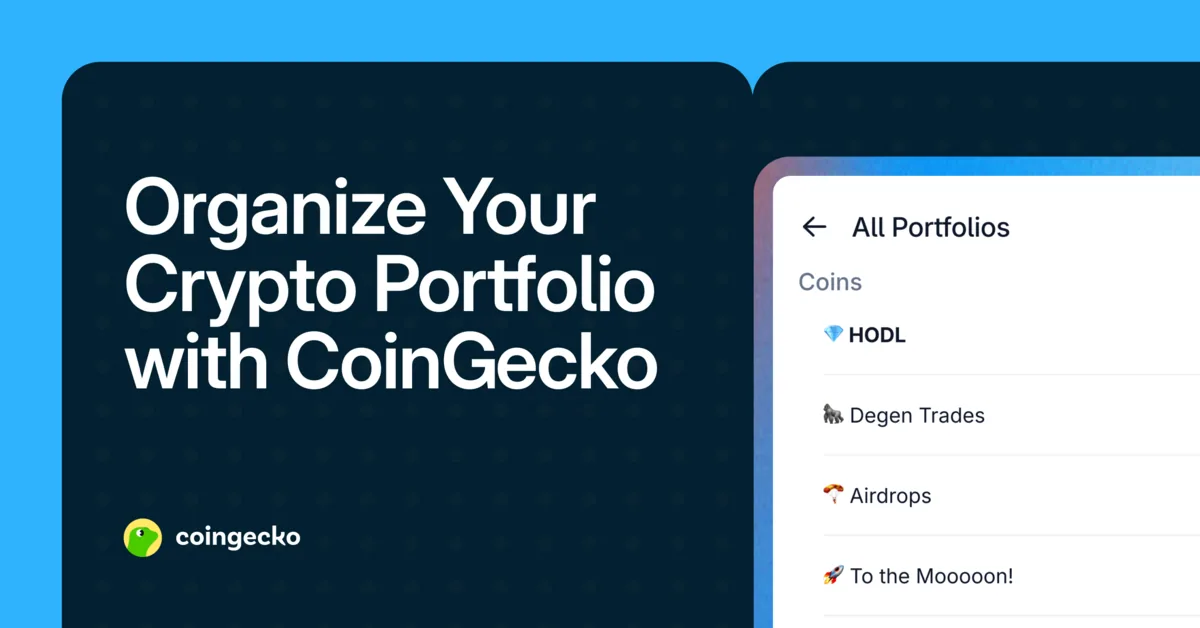
CoinGecko’s Portfolio feature lets you build and manage those lists with structure. Whether you’re a trader, a researcher, or a long-term investor, thematic portfolios help you track narratives in real-time and make more informed decisions. By keeping organized lists, you can avoid missing out on quality projects and respond more decisively during market shifts.
What Is the Portfolio Feature?
The Portfolio feature on CoinGecko helps users:
- Monitor price changes, market cap, and trading volume across selected tokens
- Track real-time holdings and performance (if you choose to enter positions)
- Create organized lists by theme, ecosystem, or sector
- Sort and filter for alpha-generating insights
Think of it as your personal dashboard for crypto narratives.
Why Use Thematic Portfolios?
Creating thematic portfolios gives structure to your market research. Rather than a single watchlist of dozens of coins, you can group projects into focused lists:
| Theme | Example Tokens |
|---|---|
| Artificial Intelligence | FET , RENDER , AGIX |
| Real World Assets | ONDO , POLYX , PLUME |
| Long-Term Holds | BTC , ETH , LINK |
| DeFi Yield Strategies | AAVE , RPL , GMX |
| Memecoins | DOGE , PEPE , BONK |
This structure improves:
- Clarity: View trends within a category more easily
- Speed: Filter through narratives during market moves
- Analysis: Spot outliers and frontrunners in each sector
Step-by-Step: How to Set Up a Portfolio
1. Access the Portfolio Feature
- On the CoinGecko App: Tap the Portfolio icon in the bottom navigation bar
- On Desktop: Navigate to the top menu and click Portfolio
2. Create a New Portfolio
- Click Create New Portfolio to start a separate watchlist.
- Use it to organize coins by strategy, risk level, or even how you discovered them.
- This approach lets you stay flexible—whether you’re tracking altcoin gems, potential airdrops, or long-term holds.
- Name your portfolio (e.g., "AI Narratives", "Gaming Tokens")
- You can create multiple portfolios based on themes, chains, or trading strategies
3. Name and Add Tokens to Your Portfolio
- Choose a name that fits your focus. For example: Altcoin Gems, DeFi Plays, Potential Airdrops, or Long-Term Holds.
- Search for a coin using the search bar.
- Tap the ⭐ star icon on the top right of the coin page.
- Select which portfolio to add the token to (you can select multiple).
Tip: Whenever you come across a promising project from Twitter, an article, or a podcast, save it to your relevant portfolio. This helps you stay organized and build a focused list over time.
4. Customize Portfolio Columns
Click the Customize button in your portfolio view to adjust columns:
- Market Cap
- 24H Volume
- FDV (Fully Diluted Valuation)
- % Change (1H, 24H, 7D, 30D, etc.)
- Holdings / P&L (if tracking positions)
5. Filter, Sort, and Set Alerts
Use the dropdown filters and column sort tools to:
- View the best/worst performers in your theme
- Identify low-cap movers gaining traction
- Sort by volatility, liquidity, or market cap
- Turn on mobile alerts for key coins in each list so you’ll know the moment prices move
Use Cases: Turning Portfolios Into Insights
Buy the Dip Opportunities
When the market is down, sort your thematic portfolios (like "AI" or "DeFi") by 30D % change (ascending). This helps you spot projects that have been hit hardest and may offer good entry points.
Alternatively, sort the same portfolio by 30D % change (descending) to highlight tokens that have held up well during the downturn. These resilient performers may indicate strong fundamentals, sticky users, or early signs of narrative strength.
Spot Momentum Leaders
During market pumps, sort your portfolios by 7D or 24H % change (descending) to identify which tokens are outperforming the rest. These are often the leaders of the current narrative.
Cross-Narrative Comparison
Open multiple portfolios like "L1s", "Gaming", and "RWA" side-by-side to see which narratives are gaining or losing strength.
Bonus: Add Holdings to Track Performance
If you’re actively investing, input your coin quantities and entry prices. This unlocks:
- Real-time portfolio value
- Daily and historical P/L
- Allocation by token or sector
- Charts that track growth or drawdown over time
Over time, your portfolio view evolves into a personalized market dashboard—not just a tracker of prices, but a record of your strategic focus.
Final Thoughts
CoinGecko Portfolios help turn crypto chaos into a structured research system. Whether you’re tracking narratives or simply organizing your watchlist better, portfolios provide clarity, context, and insight.
Start by creating 2–3 thematic portfolios around your areas of interest. As you discover new tokens, add them. Over time, your portfolios become more than a list—they become a map of your market understanding.
As crypto analyst and investor Miles Deutscher puts it, keeping a well-organized list of quality projects "will change your crypto career."
Disclaimer: This guide is for informational purposes only and does not constitute financial advice. Featured tokens are for illustration.